







Profile Guides
How to Migrate Profiles
Import your original UI profiles into the New UI by migrating the user_profile.json file from the ESB-TKR folder.
Hướng dẫn này chưa được dịch sang Tiếng Việt, nên được hiển thị bằng tiếng Anh.

Here is the guide on how to migrate your original UI profiles to the new UI.
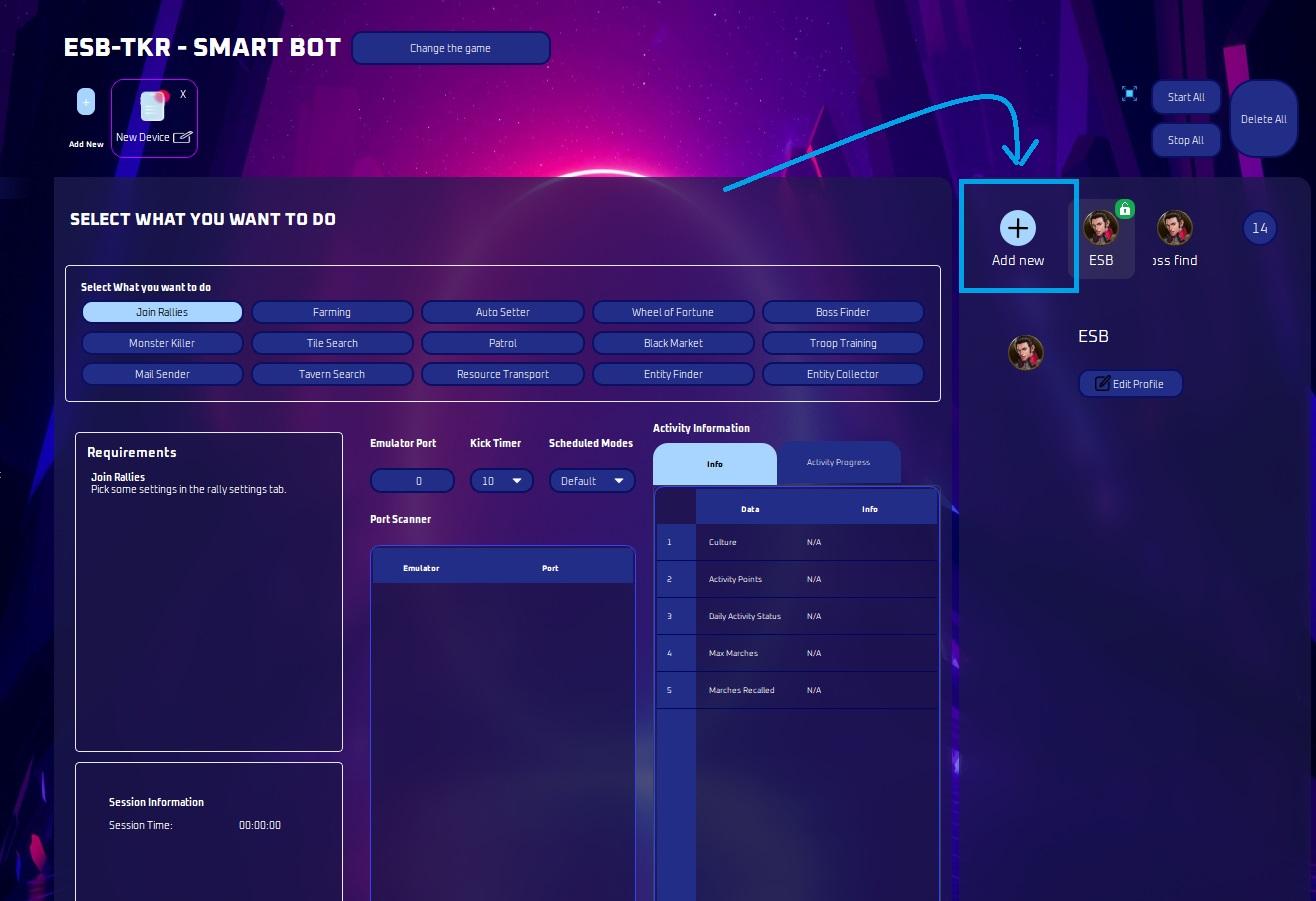
Click add new profile.
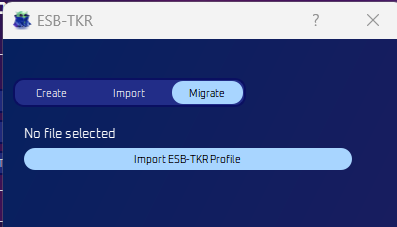
Select Migrate then Import ESB-TKR Profile.
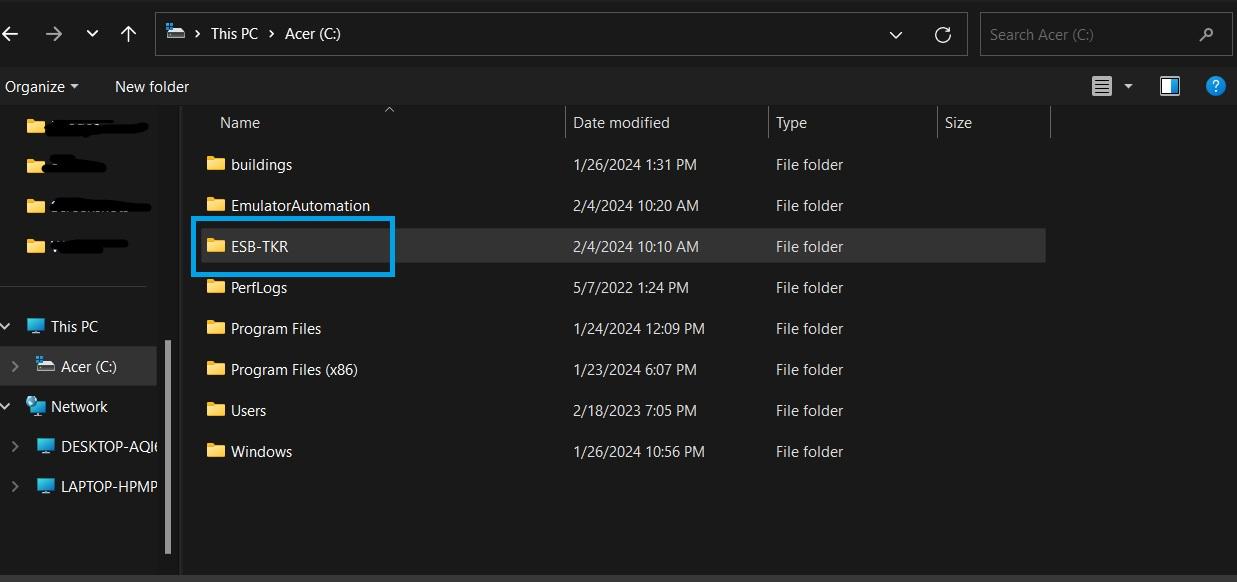
Navigate to your C:drive and locate the ESB-TKR folder.
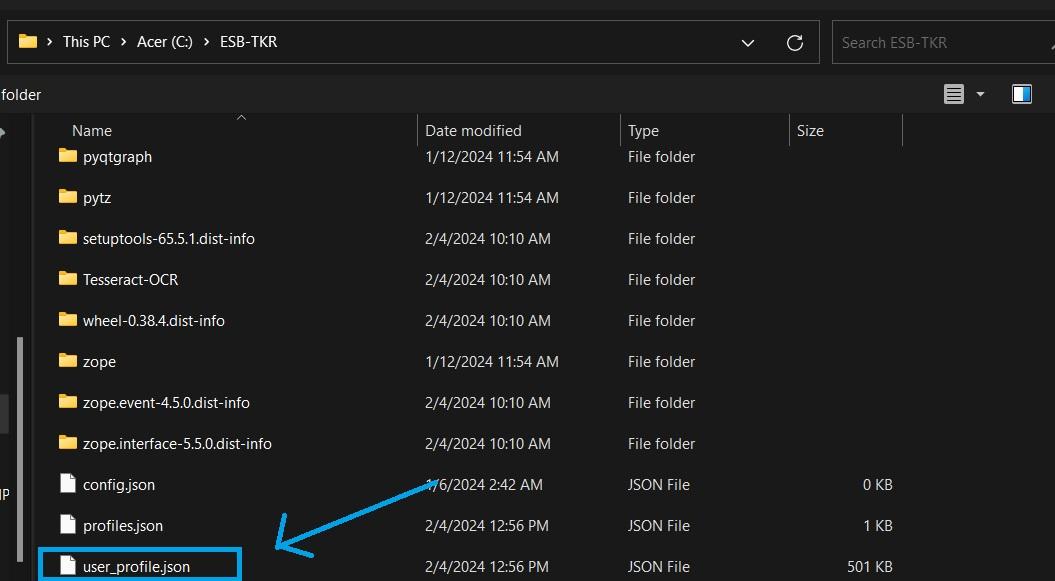
Look for the user_profile.json file and click on it.
After clicking it, the migrate screen should look like this:
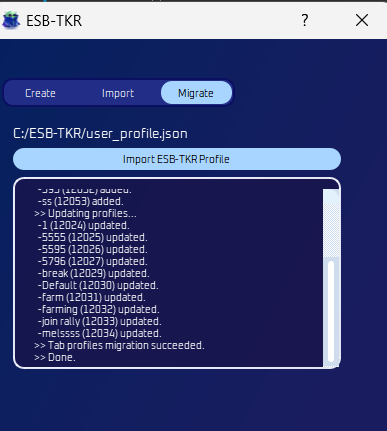
Now you’re all done! Original bot profiles are now visible.