







Automation Modes
Patrol Guide
Run Patrol automatically by selecting the mode and the items to purchase; since Patrol now has a daily limit it is part of daily activities.
Hướng dẫn này chưa được dịch sang Tiếng Việt, nên được hiển thị bằng tiếng Anh.
Trên trang này
Important
Since the new Patrol has a daily limit, it is now part of daily activities.

How To Use
Follow the steps below to understand and take advantage of this mode.
Mode:
- Make sure you select Patrol.
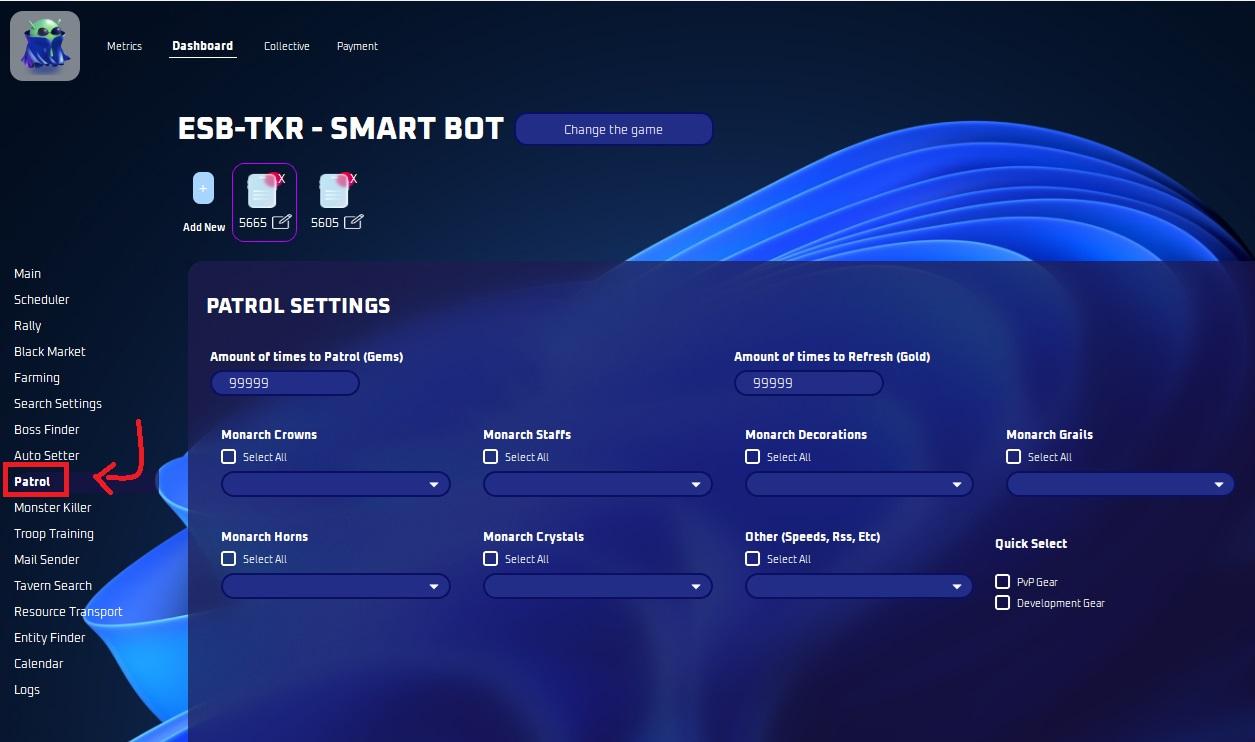
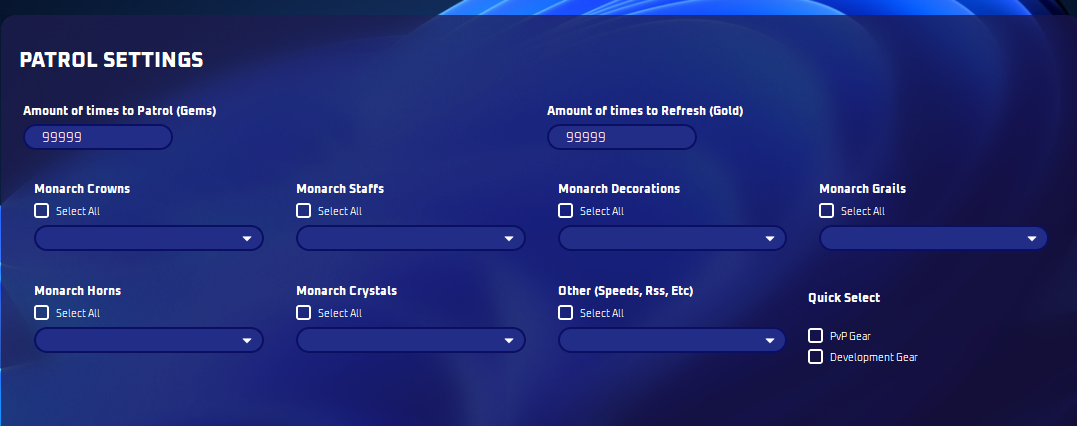
Patrol Settings:
- Select customizable items or select all for your convenience. You MUST select some items!
Note
You MUST be on the Patrol menu before starting inside your keep!
Note
Reminder: Patrol is the amount of times you want to purchase. Refresh is amount of times you refresh