Automation Modes
Mail Sender Guide
Send items by in-game mail by choosing the items and the total to send from the Mail Sender tab.
Bu rehber henüz Türkçe diline çevrilmedi, bu yüzden İngilizce gösteriliyor.
Bu sayfada

How to Use
Follow the steps below to understand and take advantage of this mode.
Mail Sender Settings
- You must go to the Mail Sender tab to adjust the settings.
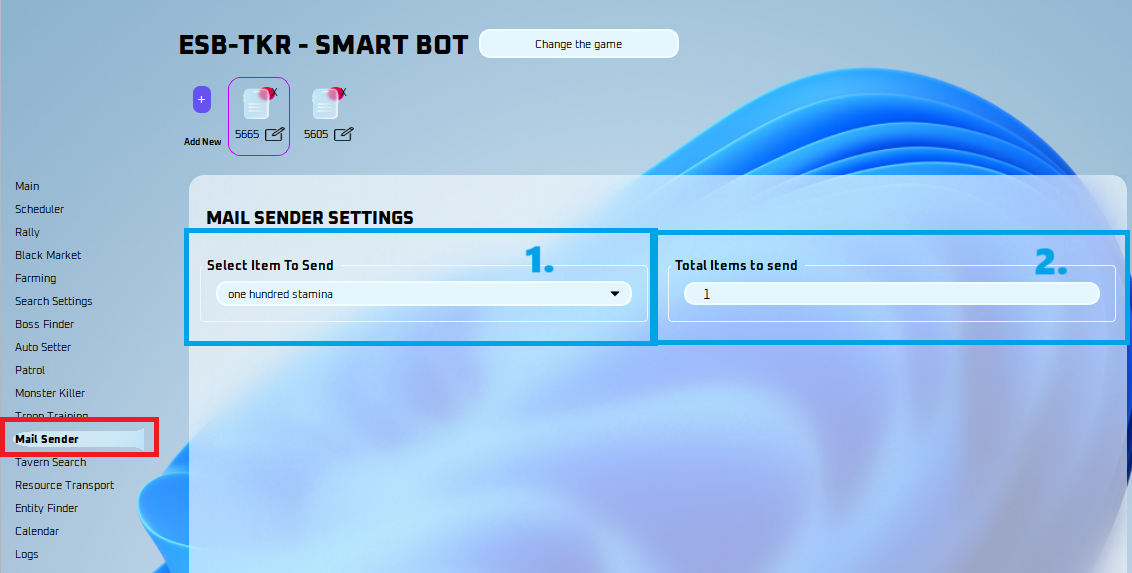
- Select what items you wish to send.
- Select the total items to send here.
Note
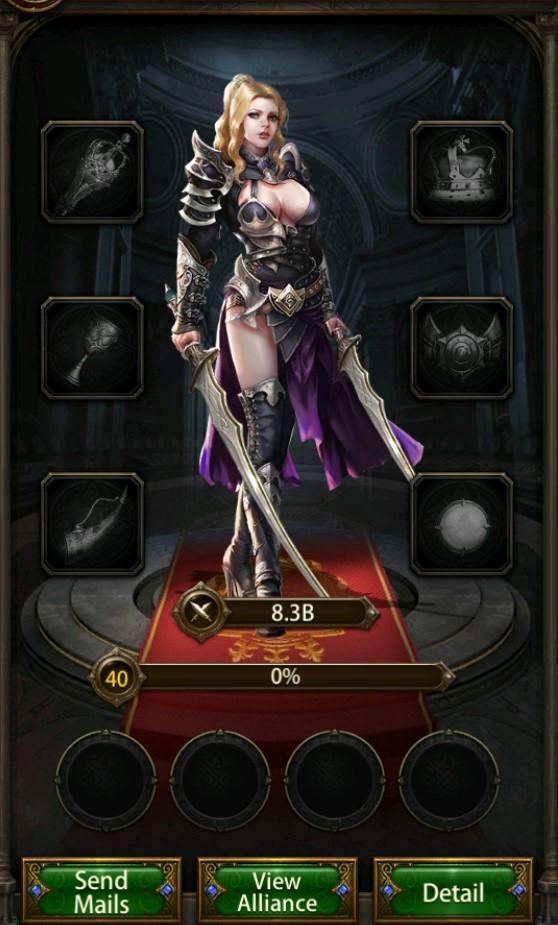
Make sure you have the person you want to send mail to open in the game like the picture below: