Automation Modes
Mail Sender Guide
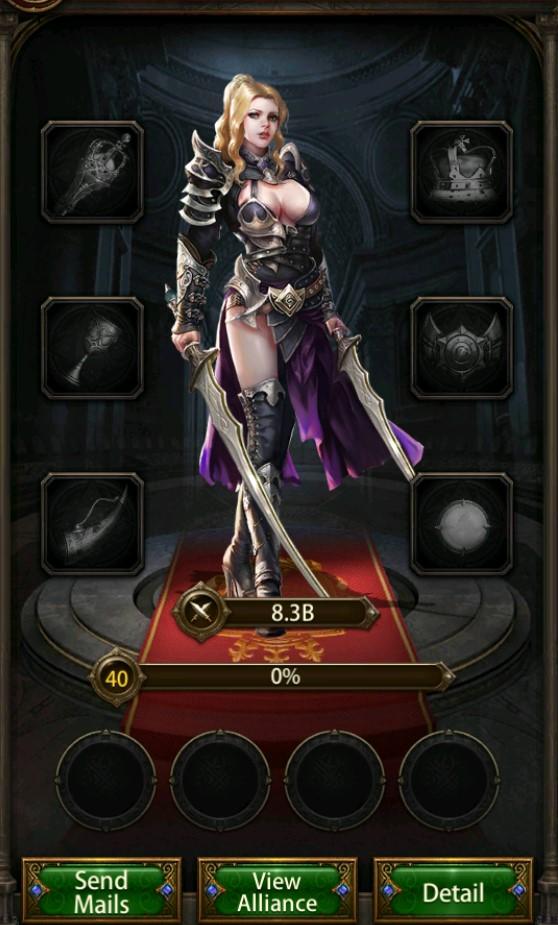
Mail Sender mode sends the items you select to the player whose mail window is open in the game.
이 가이드는 아직 한국어로 번역되지 않아 영어로 표시돼요.
이 페이지에서
How to Use
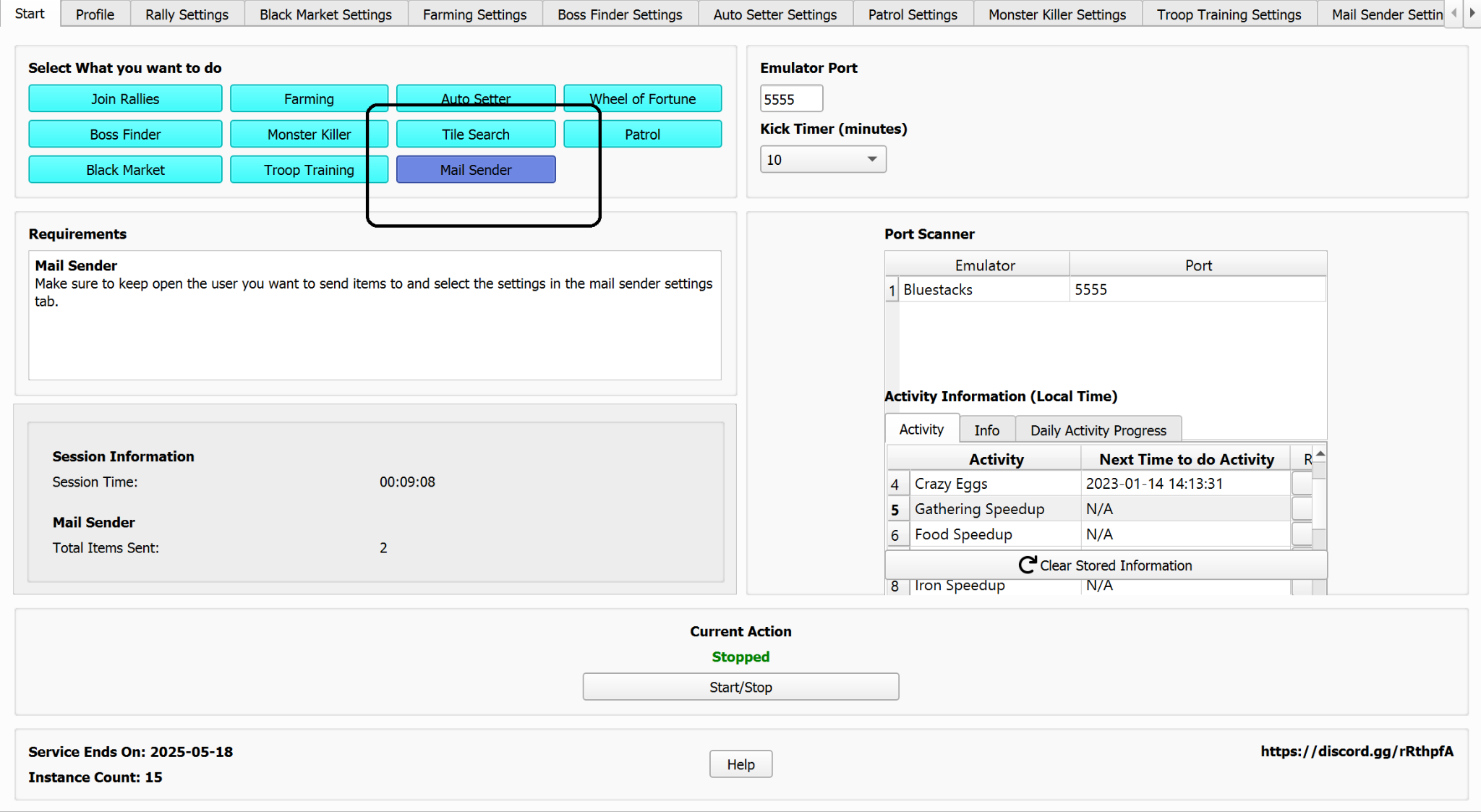
Select the Mail Sender mode here.
Mail Sender Settings:
- Select what items you wish to send.
- Select the total items to send here.

Note
Make sure you have the person you want to send mail to open in the game.