






Automation Modes
Tavern Search Guide
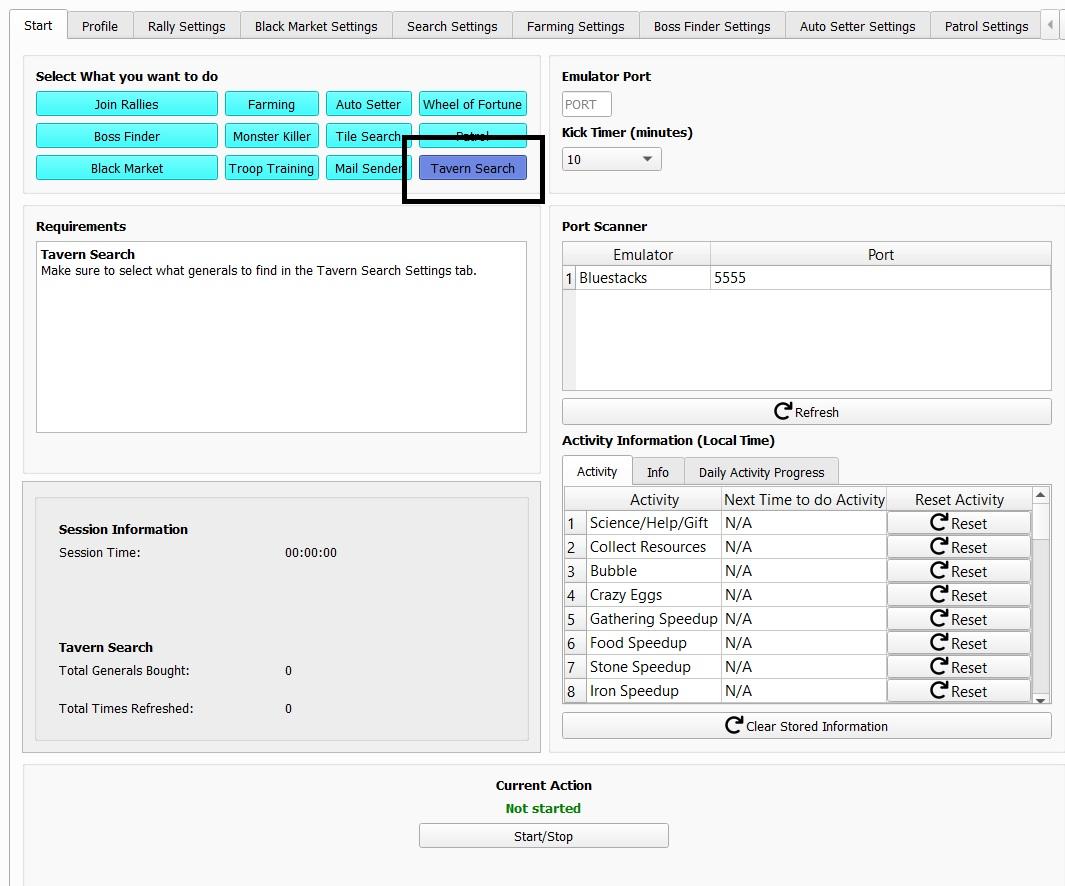
Tavern Search mode refreshes the tavern and recruits the generals you select.
このガイドはまだ日本語に翻訳されていないため、英語で表示しています。
このページの内容

How to Use
Follow the steps below to understand and take advantage of this mode.
Mode
Select the Tavern Search mode here.
Tavern Search Settings
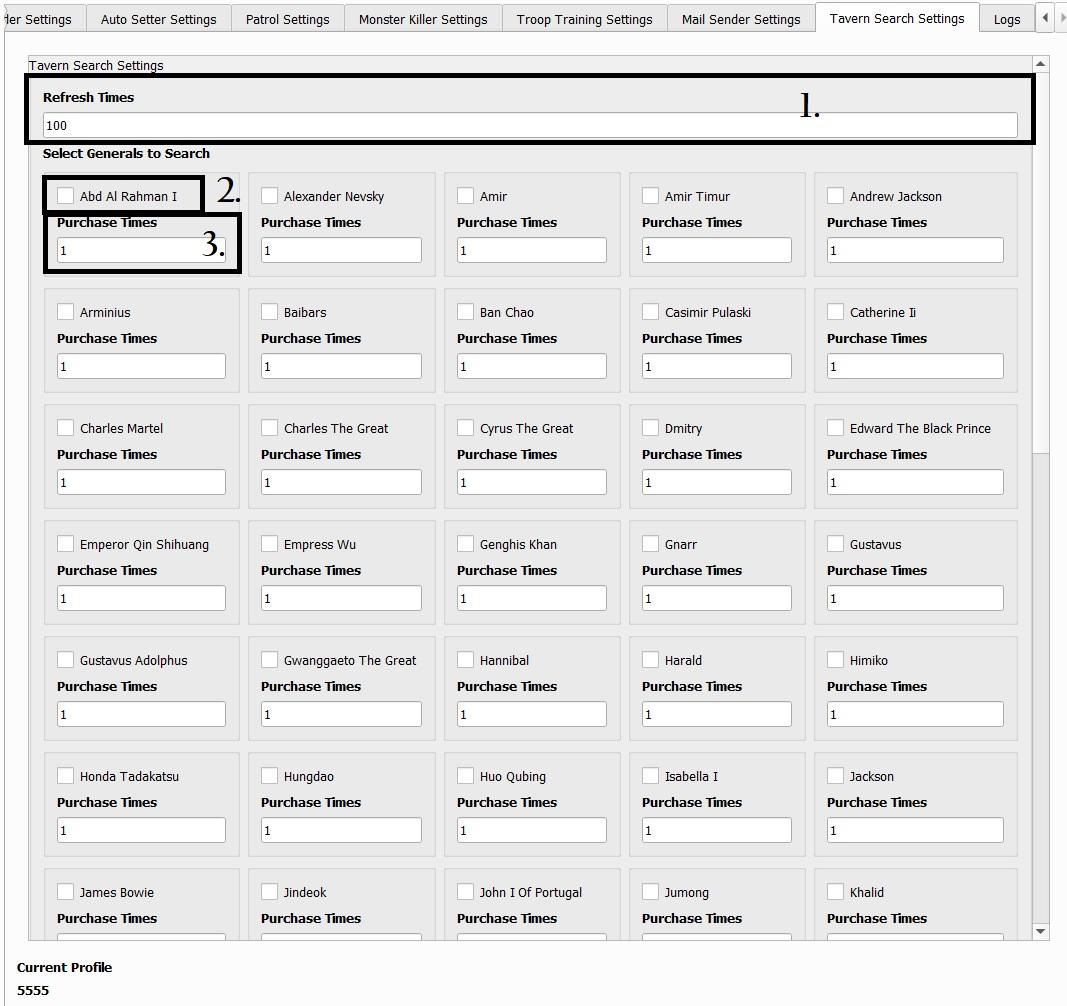
- Refresh Times
- Amount of times it will refresh.
- Select Generals to Search
- Select the general you want to search in the tavern.
- Purchase Times
- Amount of times it recruits the general you selected.
- Refresh Times