Getting Started
Disable Play Store Auto-update
Turn off automatic app updates in the Google Play Store on your emulator so the game is not updated unexpectedly.
Diese Anleitung ist noch nicht auf Deutsch übersetzt und wird deshalb auf Englisch angezeigt.
Auf dieser Seite
Step 1
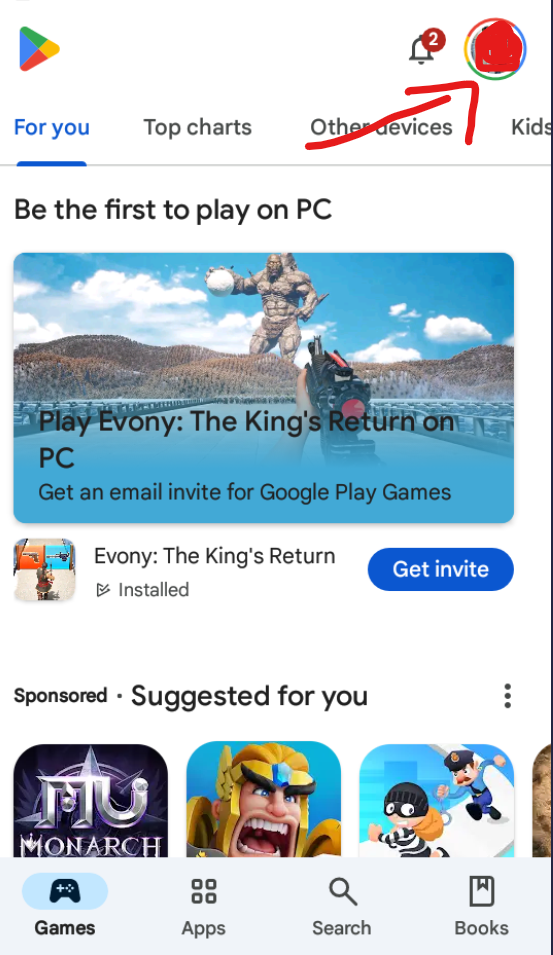
Open the Google Play Store on the device, and then click the Google Profile icon.
Step 2
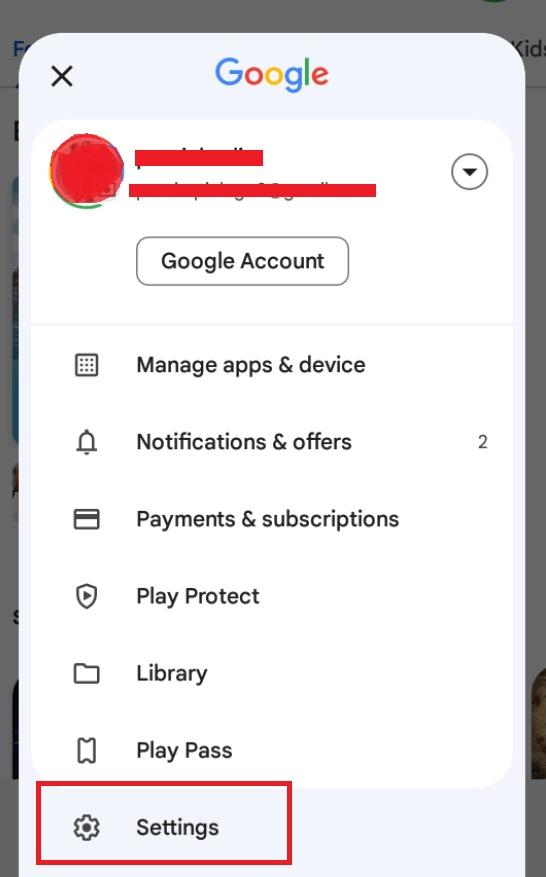
Scroll down to find the "Settings" option and click on it.
Step 3
You will see the "Network Preferences" tab in the settings list. Click it.
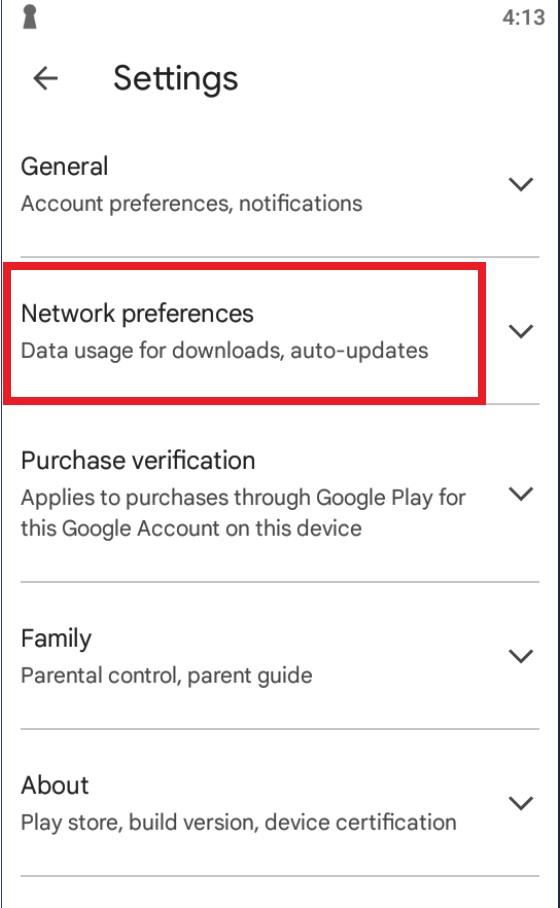
Step 4
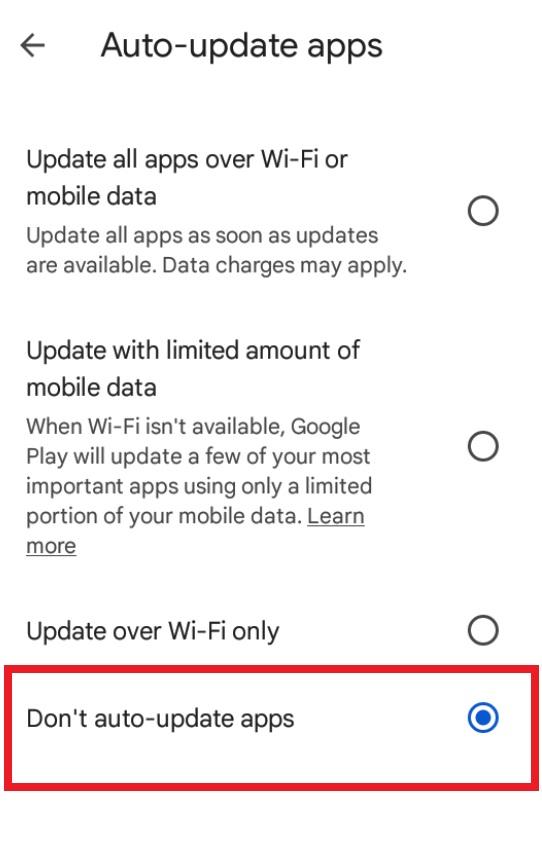
Click Auto-update Apps, and pick do not update.